How to use Agent View panes.
Live panes for work you want to watch and steer by hand.
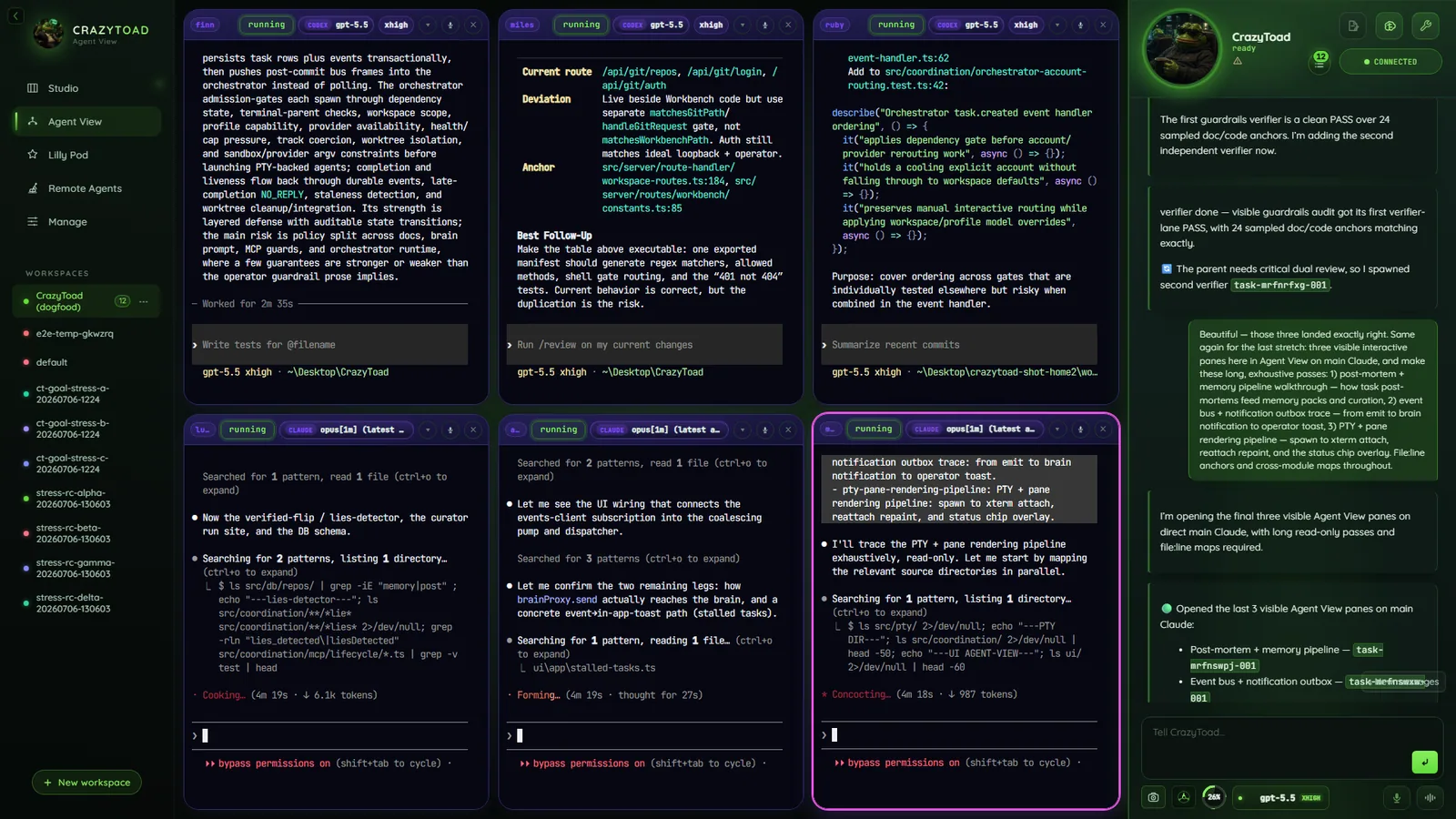
- Layout auto-arranged grid
- Per pane one CLI session
- Providers Claude, Codex, Gemini, local
- Best for watch and steer
- Open a pane — ask Toad with watch-and-drive language like
spawn here. - Pick provider and model — one CLI session per pane.
- Compare providers — same prompt, side-by-side panes.
- Steer live — nudge, inspect, or stop mid-run.
Note
Agent View is an auto-arranged grid, not a free drag-and-resize canvas — spawn as many panes as you need.
Open as many panes as you need
- Ask Toad with watch-and-drive language:
spawn here,give me a pane,let me drive. - Delegation defaults to background agents — that vocabulary routes it into a visible pane instead.
- The grid auto-lays panes out; you never drag or resize.
Choose the provider and model
- Each pane runs one CLI session against one model.
- Claude, Codex, and Gemini ship as defaults; add local models in Accounts.
- The brain runs on almost any model — not the Gemini/Antigravity CLI, which stays agents-only.
Run the same prompt across providers
- Open one pane per provider; send the identical prompt to each.
- Every pane shows its live session — compare approaches side by side.
- Rather let Toad route the work? Use Studio.
Keep a standby pane ready
- Leave an idle pane for quick manual jobs — a one-off command, a lookup, a sanity check.
- It stays on the grid, ready the moment you need it.
Steer and review the live output
- Nudge the agent mid-run, inspect its work, or stop it early.
- Review the result in the pane, then promote, discard, or follow up.
Four ways to use a pane
Reach for a pane whenever watching beats walking away.
ReviewRead an agent’s work as it happens; catch a wrong turn early.
Provider comparisonOne prompt across parallel panes, then compare.
Standby agentAn idle pane for quick manual jobs, no background task queued.
Manual steeringDrive it yourself — nudge, redirect, or stop from the live pane.