Paint the whole app — and your agent panes.
50 themes recolor the whole app; one dedicated palette paints your agent panes.
- Themes 50 app-wide
- Pane palette one, dedicated
- Switching live, no reload
- Try it picker below
- Pick a theme — Manage → Themes, 50 palettes.
- Set the pane palette — one dedicated palette for all agent panes.
- Try the live picker — tap a swatch; this page recolors.
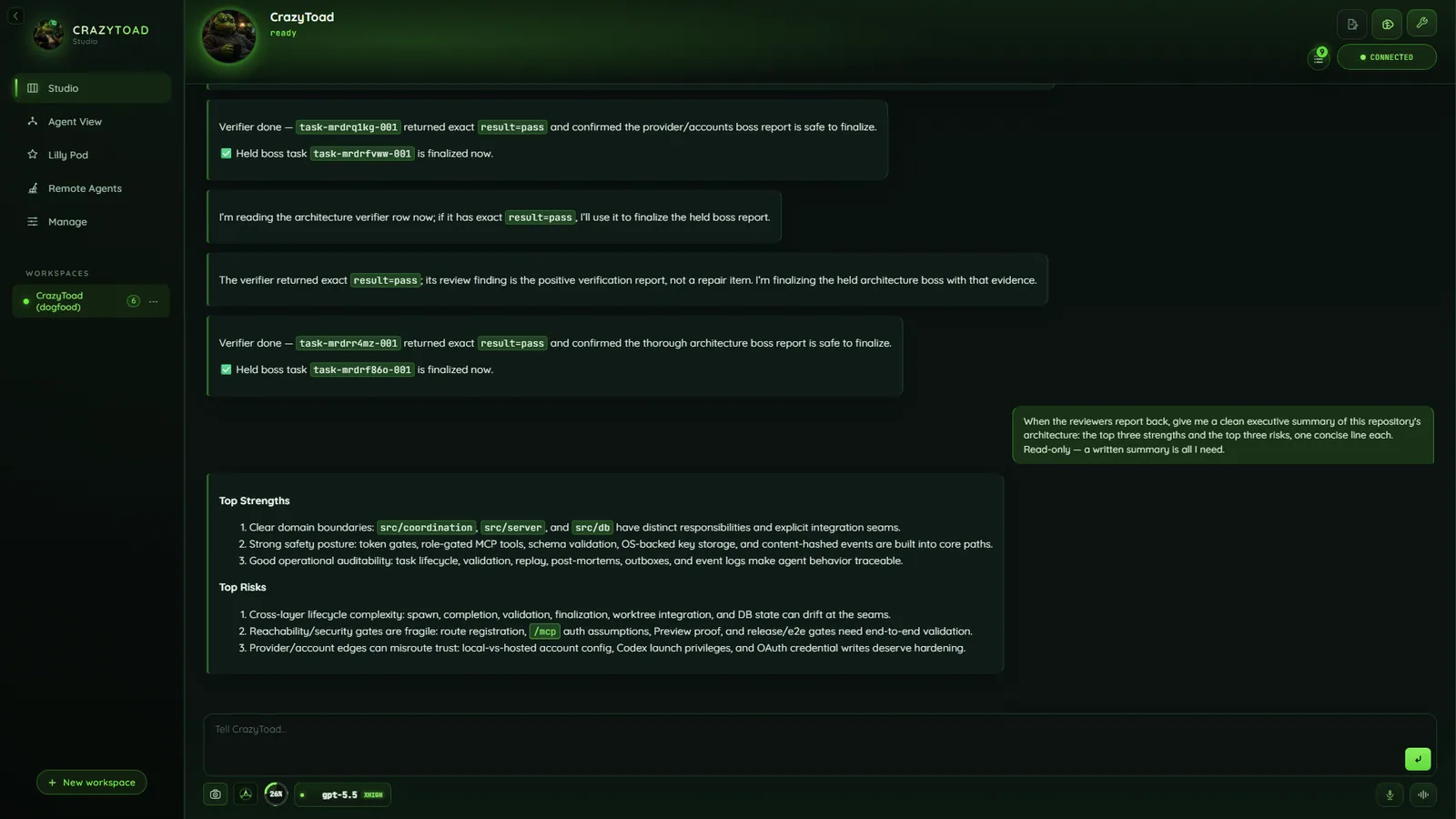
One palette recolors every surface — chat, panels, and chrome.
Pick a theme for the whole app
Open Manage → Themes (Manage).
- 50 palettes — dark, light, iconic, and wild.
- One pick recolors everything: chat, panels, chrome, matrix background.
- No per-surface toggles — one theme drives the entire app.
Give agent panes their own palette
Agent View panes get their own dedicated palette so live output reads at a glance.
- One palette for all panes — not a per-pane color picker.
- Keeps the auto-arranged grid legible under any app theme.
Switch live, instantly
- Theme changes apply on the spot — no reload, no rebuild.
- Light palettes keep contrast high; dark palettes stay cinematic.
Live picker — tap a swatch
Active theme: Acid Lime. Tap a swatch — the page recolors with the app’s engine, saved site-wide.
What recolors
50 palettesStandard to light to wild to iconic.
App-wideStudio, Agent View, Swarm, Remote, Shop, and Manage recolor together.
Agent-pane paletteOne separate dedicated palette — not per-pane.
Readable firstHigh contrast on light, cinematic on dark.
Browse every option in the Themes gallery.
Note
Two palettes, not fifty knobs — one for the app, one for the panes.