Manage is the operator console.
Durable settings live here: workspaces, permissions, proposals, memory, cost, themes.
- Scope per-workspace settings
- Pages nine console pages
- Default mode edit
- Modes five-rung ladder
- Find your page — nine pages down the left rail.
- Create a workspace — name it, point at the code.
- Set the permission mode — pick a rung.
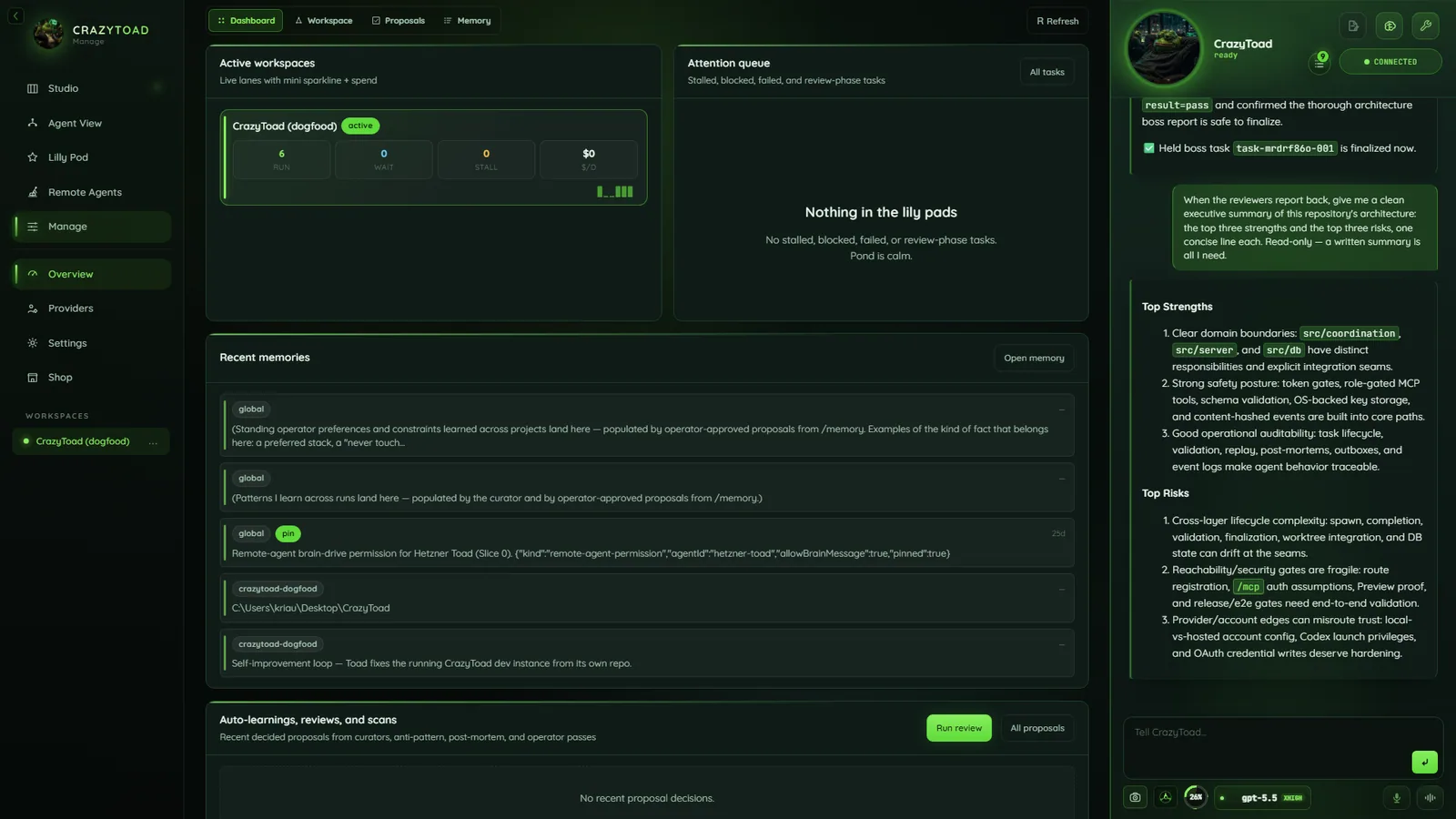
Workspace status and attention queue
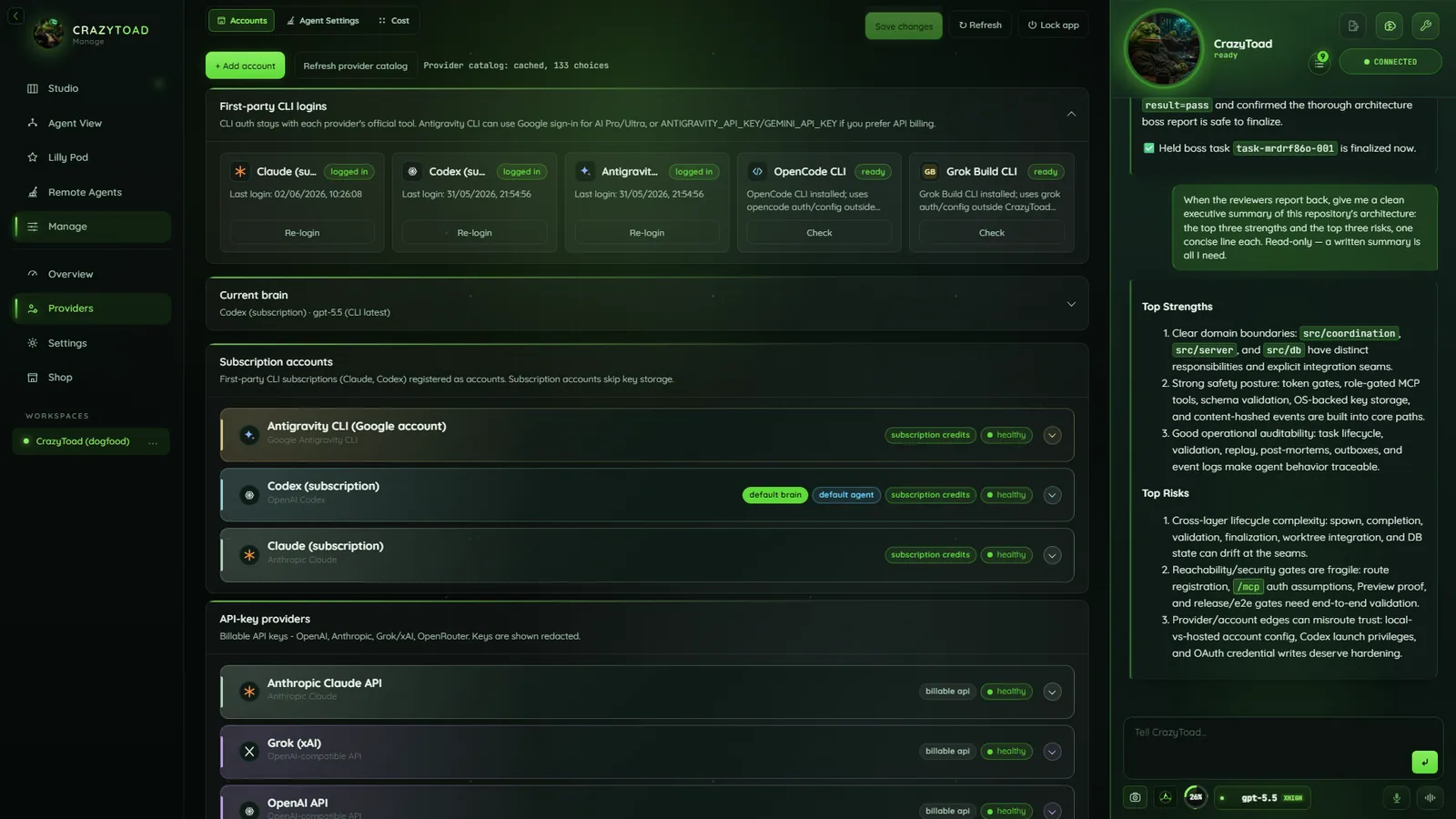
Provider cards, defaults, and health
What’s in the console
Each page owns one durable slice of your setup.
DashboardOverview and attention queue
WorkspaceList, board, repo status
ProposalsChanges awaiting decision
MemoryApproved facts, curator findings
AccountsProvider credentials — Accounts guide
Agent SettingsRole routing and defaults
CostSpend and budgets
ThemesApp and pane palettes — Themes guide
SettingsWorkspace, global, and diagnostics
Create a workspace
One project per workspace; exactly one active at a time.
- Opens on first run or from the sidebar.
- Pick a template, name it, point at a folder or clone a repo.
- Only the name is required.
Workspace nameRequired, max 80 characters
Project pathAbsolute path — Browse… or + New
Clone a git repo insteadRepository URL, then Clone
What are we building?One-paragraph pitch
Tech stack + constraintsRules agents must respect
Goals + done stateWhat finished looks like
Note
Full setup pays off — CrazyToad understands the project up front.
Set the permission mode
How much an agent may do without asking — set in Manage → Settings → Permissions.
- Per-workspace, not global; new workspaces default to edit.
- Five rungs, read-only to unrestricted.
ObserveRead-only — ls, cat, grep, git status
SuggestRead-only; proposes, writes nothing
Edit (default)Adds file writes — mkdir, cp, mv, git commit
AutoAdds shell tooling — npm / bun, tsc, node, make, cargo, python
FullAny executable and network, no boundary
Warning
A global deny blocks sudo, rm -rf /, git push --force, publishing, and secret reads — even in full.